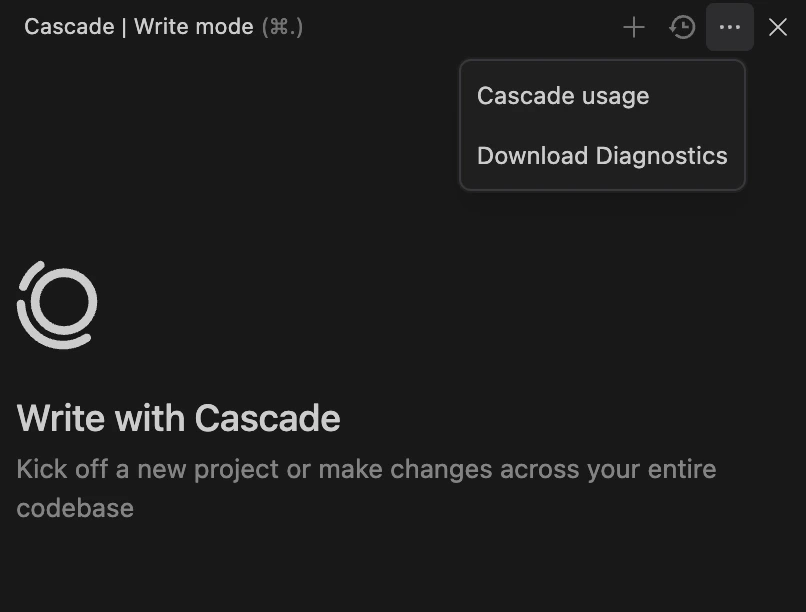
如果你遇到问题,故障排查的第一步是从你的 IDE 中获取日志。以下说明如何在各个主流 IDE 中获取 Devin Desktop 日志:Documentation Index
Fetch the complete documentation index at: https://docs.devinenterprise.com/llms.txt
Use this file to discover all available pages before exploring further.
Devin Desktop
-
打开 Command Palette (
Ctrl/Cmd + Shift + P,或前往 View > Command Palette) - 输入 “Download Windsurf Logs”,然后选择名为 “Download Windsurf Logs File” 的选项
- 导出或复制日志,并将该文件附到你的工单中。