Documentation Index
Fetch the complete documentation index at: https://docs.devinenterprise.com/llms.txt
Use this file to discover all available pages before exploring further.
安装 Devin CLI
macOS / Linux / WSL
Windows
Windsurf(Enterprise)
curl -fsSL https://cli.devin.ai/install.sh | bash
下载并运行安装程序:或者,打开 PowerShell 并运行:irm https://static.devin.ai/cli/setup.ps1 | iex
irm 和 iex 是 PowerShell 命令。请勿在 Git Bash 或 CMD 中运行——否则会因“command not found”而失败。安装时只能使用 PowerShell。
安装完成后,你可以在 PowerShell、Windows Terminal 或 Git Bash 中使用 Devin CLI。 从 1.9577.24 版本起,Windsurf 已内置 Devin CLI。此安装方式适用于 Windsurf Enterprise 和 Devin Enterprise 套餐。**Admin 设置:**对于随 Windsurf 捆绑提供的安装方式,Admin 必须先在 Devin CLI 团队设置中打开 Show “Install Devin CLI” in the Windsurf Command Palette,以启用该安装选项。用户安装:
- 打开 Windsurf (1.9577.24 或更高版本)
- 使用
Cmd+Shift+P 打开命令面板
(macOS) 或 Ctrl+Shift+P
(Windows/Linux)
- 搜索并运行 Install Devin CLI
这会将 devin 可执行文件添加到你的 PATH 中,这样你就可以在任何终端中使用它。 开始编码
就这么简单!重启终端后,进入项目目录并输入 devin,即可激活 Devin CLI。你也可以尝试用提示预加载会话,执行自动化任务:devin -- check out this code and suggest a feasible, helpful feature
现在可以开始了。想了解必备用法,请参阅 必备命令。
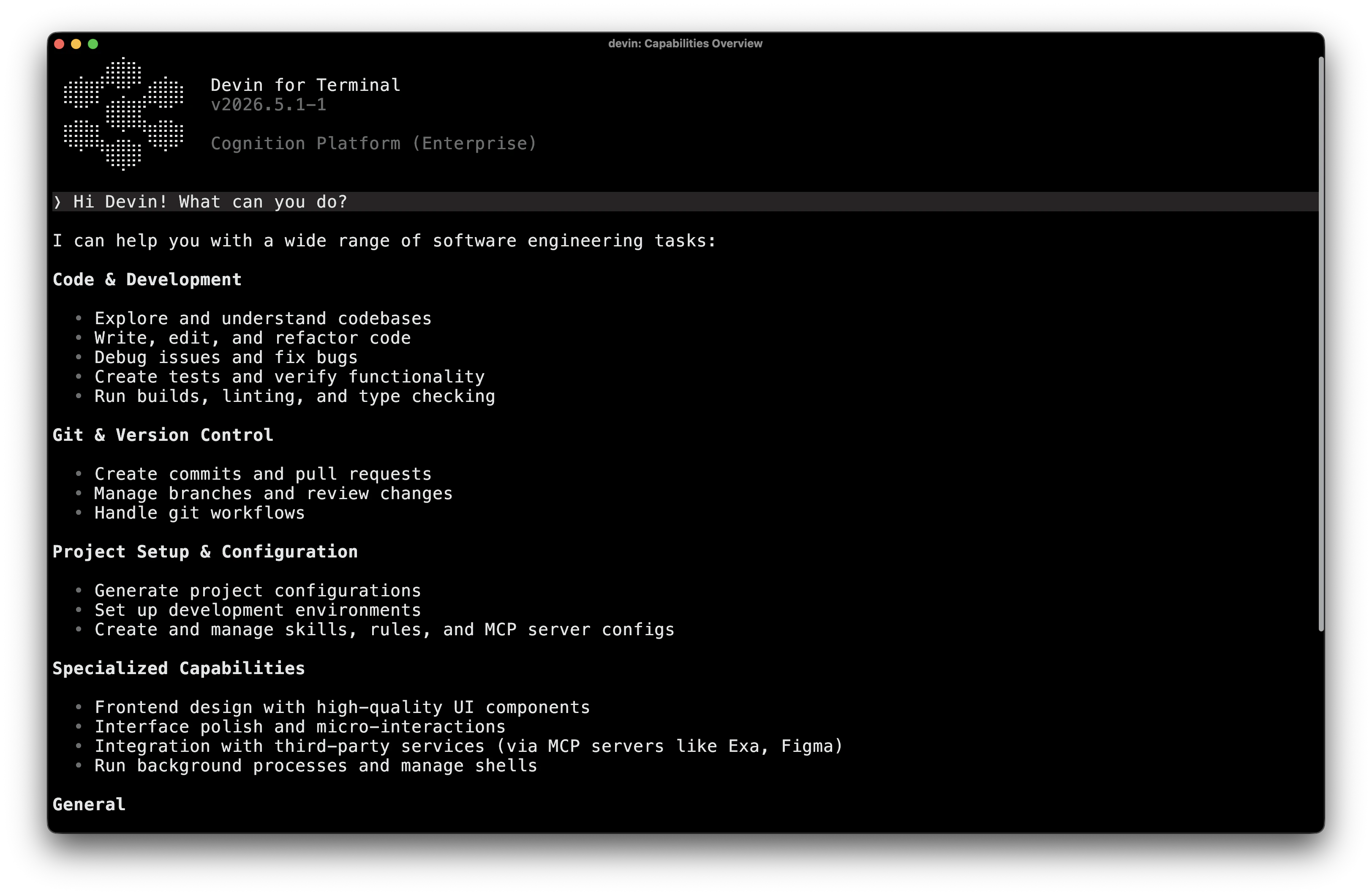
Devin CLI 可以实现新功能、修复 bug、进行代码审查、回答问题、自动执行任务等。
Devin CLI 和 Devin 是两个独立的工具,分别适用于不同的工作流程。
Devin CLI 是一款本地编码 Agent,直接在你的终端中运行。它可与本地文件和环境配合使用,在你编写代码时提供快速、交互式的协助。
Devin 是我们基于云的 AI 软件工程师,运行在虚拟机中。它包含 Playbooks、Secrets、Knowledge 等功能,以及 Devin CLI 尚不具备的其他能力。
Devin CLI 目前还不支持你 Devin 账户中的 Knowledge、Playbooks 或 Secrets。我们正在积极为这些功能逐步添加支持,并计划很快推出。