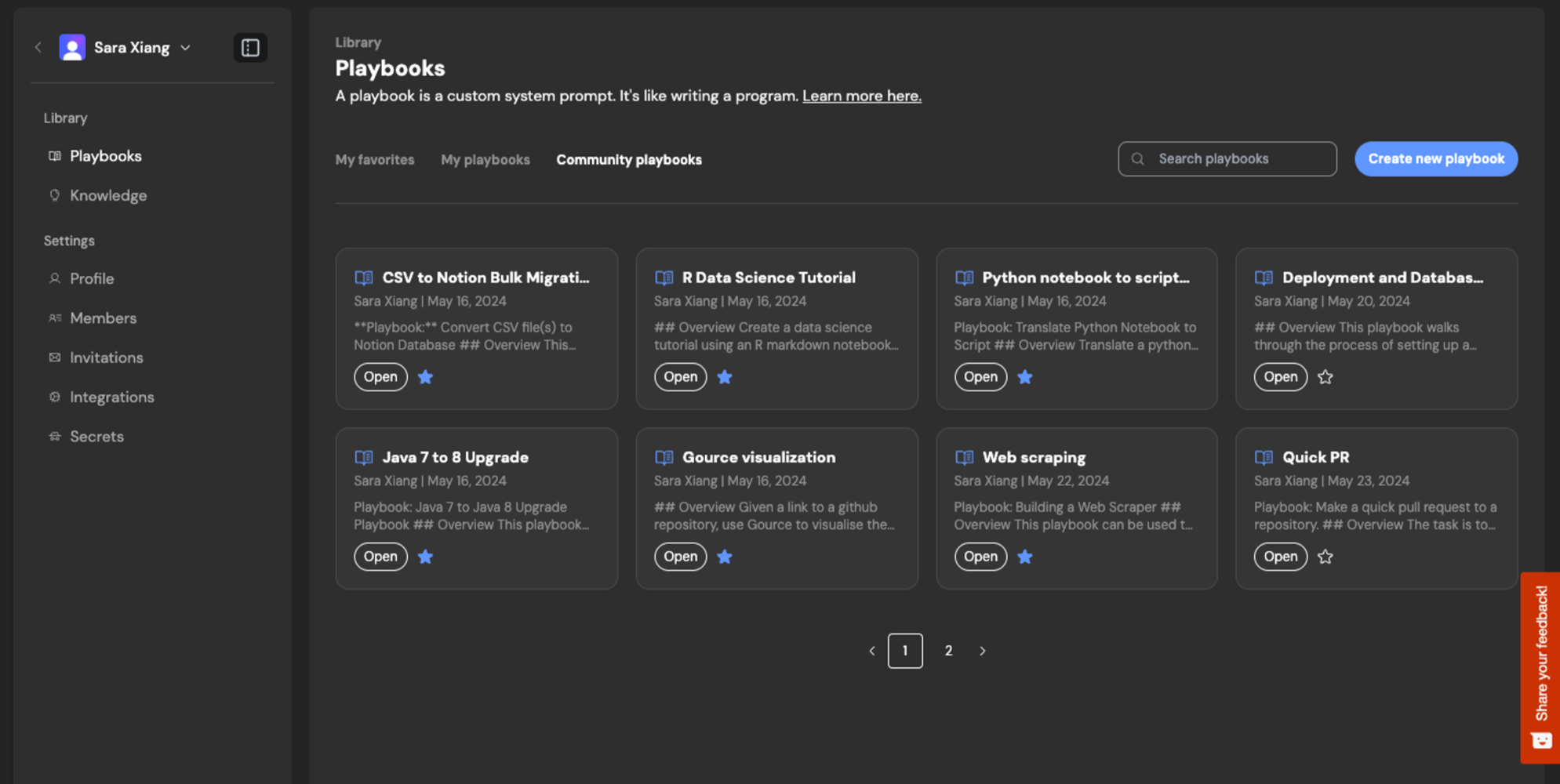
How to use Playbooks
To use playbooks simply select one from your Team or the Community library. You’ve successfully attached a playbook if you see a blue pill appear, along with an inline component for editing the playbook before starting your session. Alternatively, you can attach a<filename>.devin.md file when you start your Devin session.
Using macros
If a playbook has a macro assigned (e.g.,!data-tutorial), you can quickly attach it by typing the macro name in the prompt input box. This is a convenient shortcut when you know the macro identifier for the playbook you want to use.
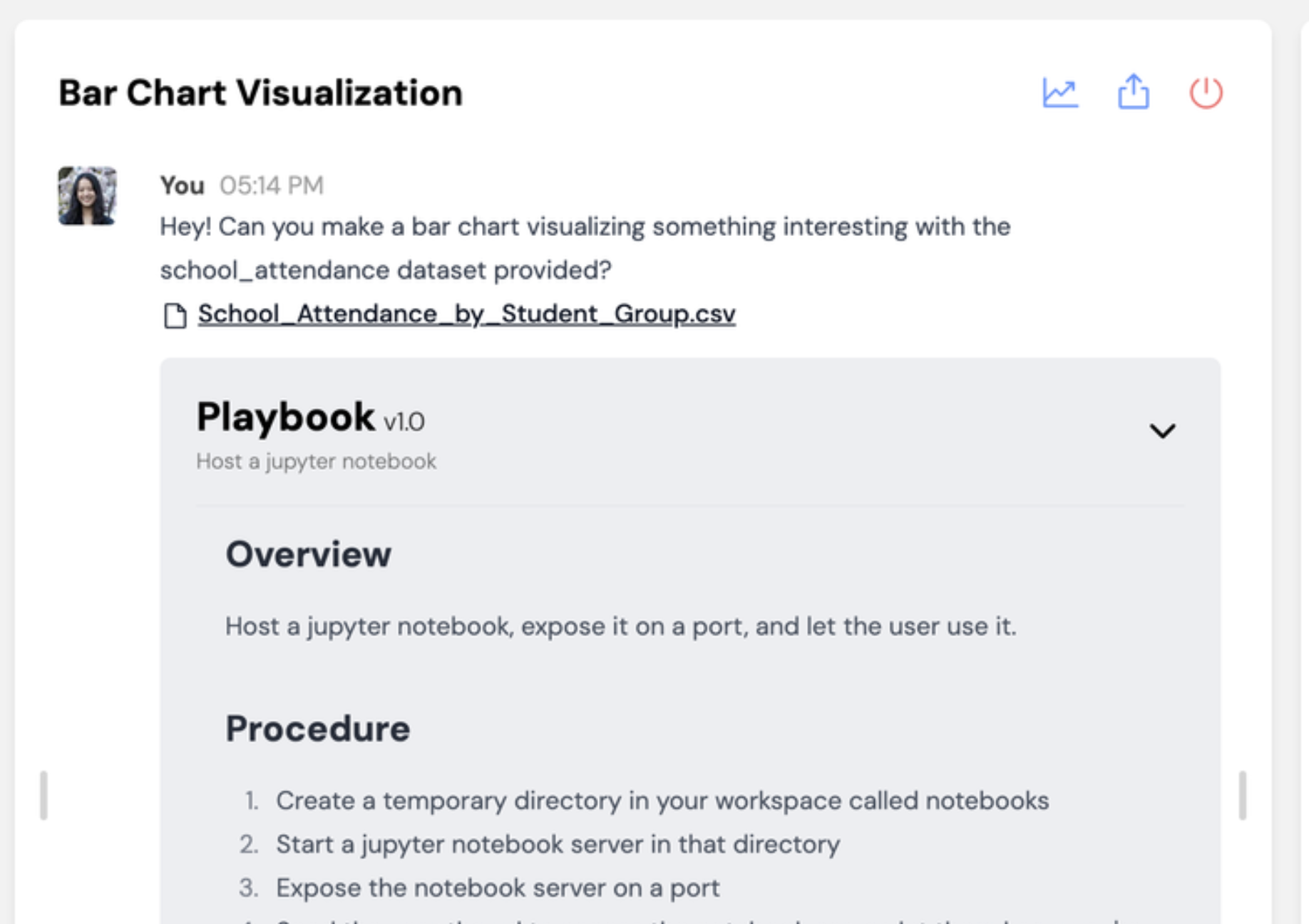
Once you start the session, you should see your playbook show up with a grey background in the chat with Devin!
Refining Playbooks
As you run a new playbook with Devin, you’ll identify opportunities to improve the instructions so that Devin can complete the task more reliably. Here are some helpful features for iterating on playbooks live: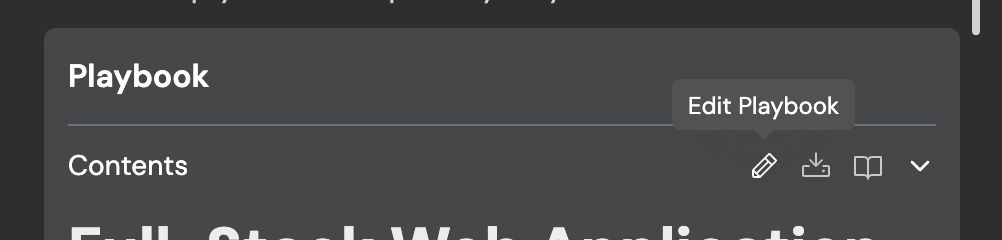
Example Gallery
Check out the Community Gallery at https://app.devin.ai/settings/playbooks: