> ## Documentation Index
> Fetch the complete documentation index at: https://docs.devinenterprise.com/llms.txt
> Use this file to discover all available pages before exploring further.
# 收集 Devin Desktop 日志
> 如何使用 Command Palette 或 Cascade 面板,从 Devin Desktop Editor 下载诊断日志以供故障排查。
如果你遇到问题,故障排查的第一步是从你的 IDE 中获取日志。以下说明如何在各个主流 IDE 中获取 Devin Desktop 日志:
## Devin Desktop
1. 打开 Command Palette (`Ctrl/Cmd + Shift + P`,或前往 View > Command Palette)
2. 输入 "Download Devin Logs",然后选择名为 "Download Devin Logs File" 的选项
3. 导出或复制日志,并将该文件附到你的工单中。
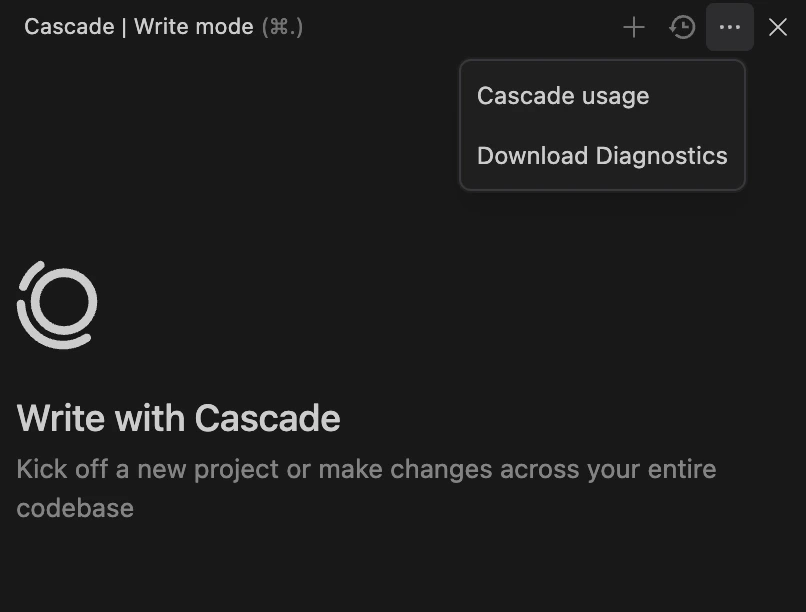
或者,你也可以点击 Cascade 面板右上角的三个点,然后选择 "Download Diagnostics"。