> ## Documentation Index
> Fetch the complete documentation index at: https://docs.devinenterprise.com/llms.txt
> Use this file to discover all available pages before exploring further.
# Using Playbooks
## How to use Playbooks
To use playbooks simply select one from your Team or the Community library. You've successfully attached a playbook if you see a blue pill appear, along with an inline component for editing the playbook before starting your session.
Alternatively, you can attach a `.devin.md` file when you start your Devin session.
### Using macros
If a playbook has a **macro** assigned (e.g., `!data-tutorial`), you can quickly attach it by typing the macro name in the prompt input box. This is a convenient shortcut when you know the macro identifier for the playbook you want to use.
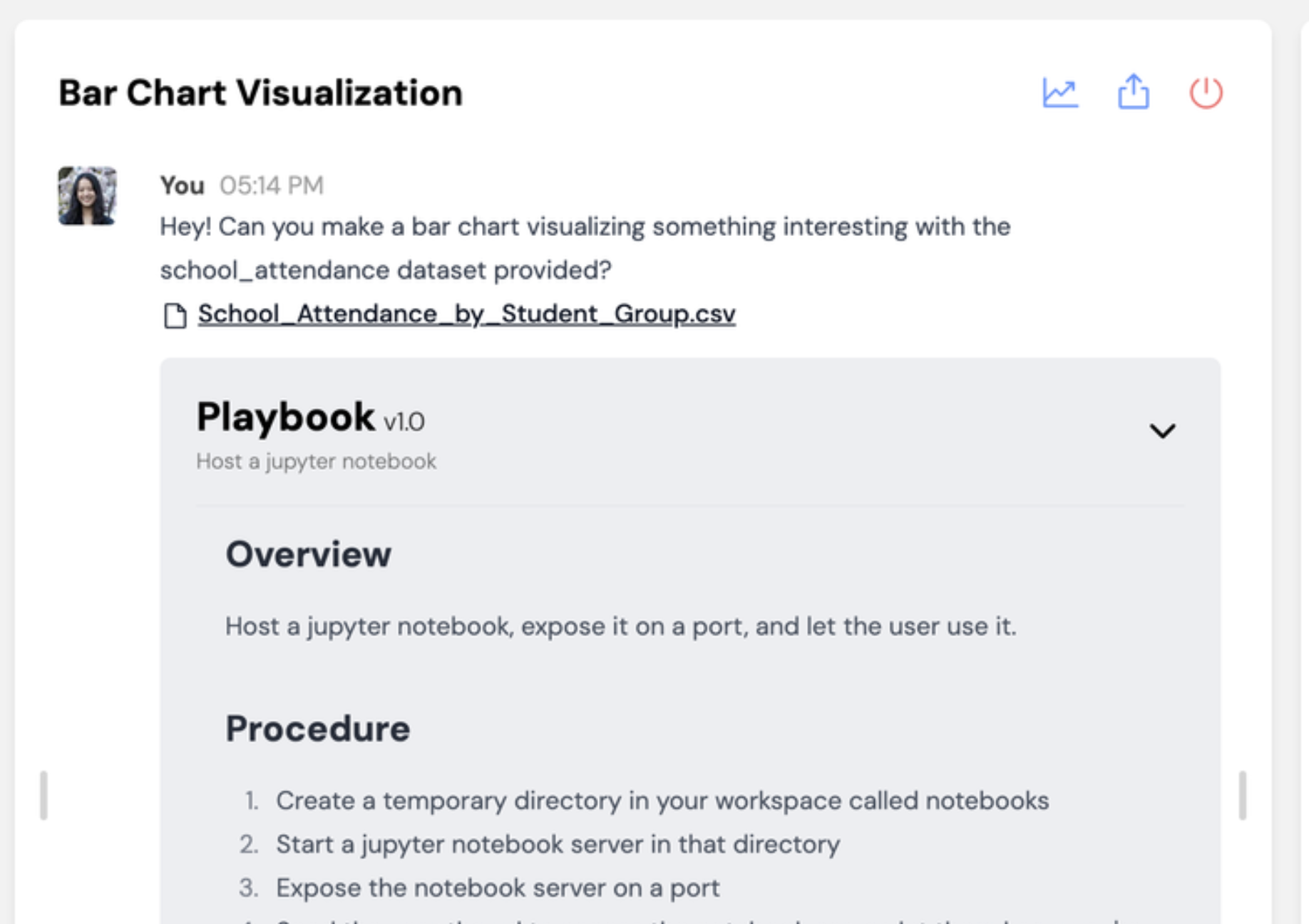
Once you start the session, you should see your playbook show up with a grey background in the chat with Devin!
 ## Refining Playbooks
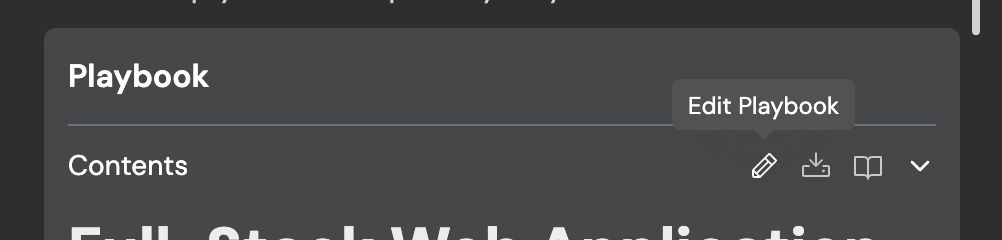
As you run a new playbook with Devin, you'll identify opportunities to improve the instructions so that Devin can complete the task more reliably. Here are some helpful features for **iterating on playbooks live**:
## Refining Playbooks
As you run a new playbook with Devin, you'll identify opportunities to improve the instructions so that Devin can complete the task more reliably. Here are some helpful features for **iterating on playbooks live**:
 ## Example Gallery
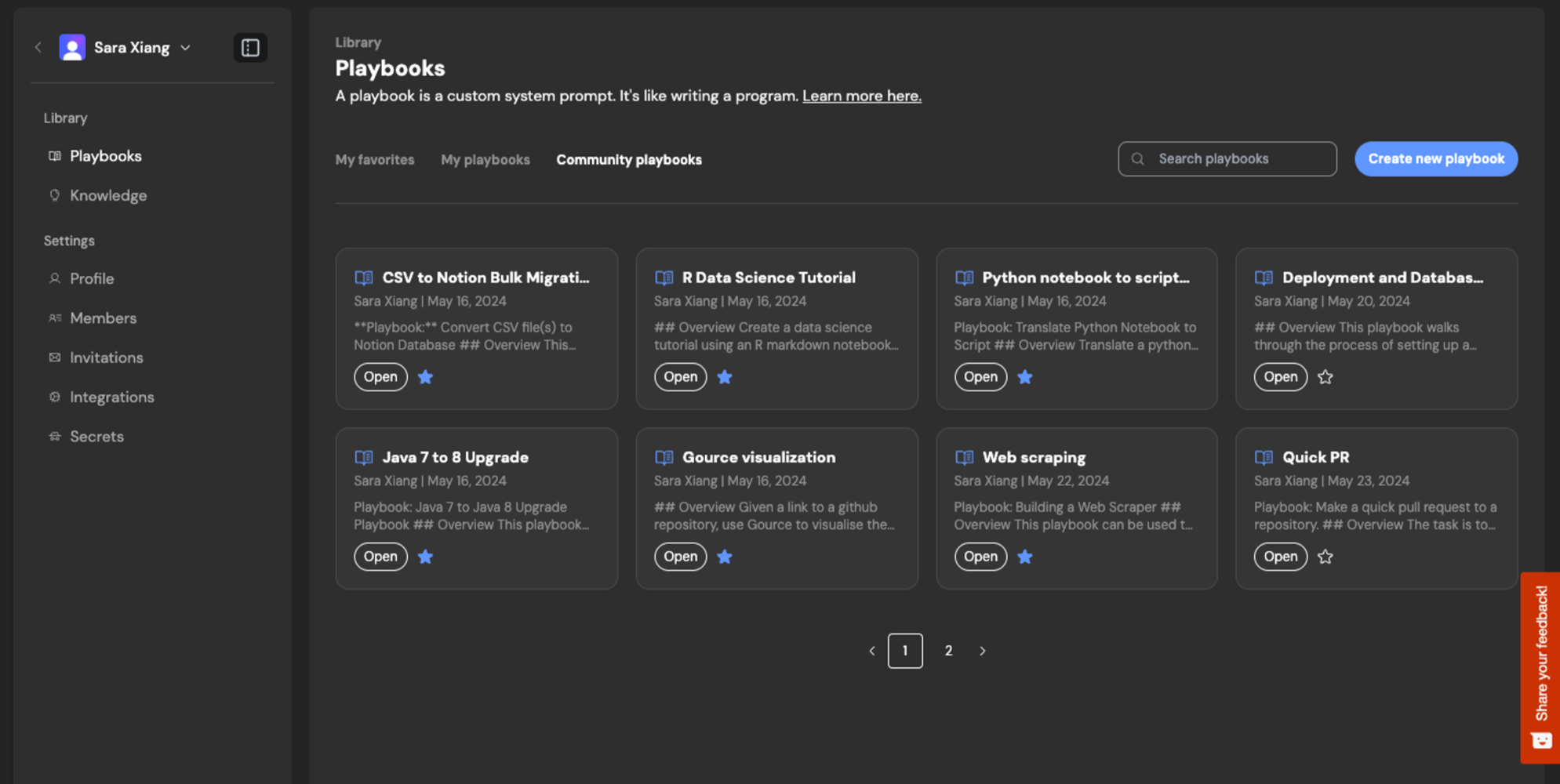
Check out the Community Gallery at [https://app.devin.ai/settings/playbooks](https://app.devin.ai/settings/playbooks):
## Example Gallery
Check out the Community Gallery at [https://app.devin.ai/settings/playbooks](https://app.devin.ai/settings/playbooks):