> ## Documentation Index
> Fetch the complete documentation index at: https://docs.devinenterprise.com/llms.txt
> Use this file to discover all available pages before exploring further.
# Devin Desktop のログ収集
> トラブルシューティングのために、Command Palette または Cascade パネルを使用して Devin Desktop Editor から診断ログをダウンロードする方法。
問題が発生している場合、トラブルシューティングの最初のステップは IDE からログを取得することです。主要な IDE ごとに Devin Desktop のログを取得する方法は、以下のとおりです。
## Devin Desktop
1. Command Palette を開きます (`Ctrl/Cmd + Shift + P` を押すか、View > Command Palette に移動します)
2. 「Download Devin Logs」と入力し、「Download Devin Logs File」と表示されるオプションを選択します
3. ログをエクスポートまたはコピーし、ファイルをチケットにアタッチします。
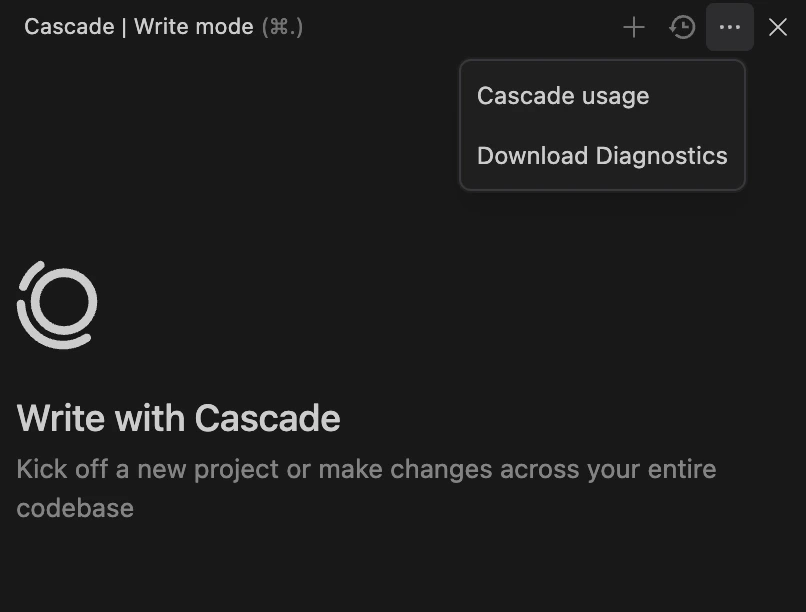
または、Cascade パネル右上の三点メニューをクリックして、「Download Diagnostics」を選択することもできます。